NEW: Warp Agent CLI, a new standalone CLI that lets you use the Warp Agent anywhere Learn More:/agent-cli
A modern terminal for agentic coding
The orchestration-native coding agent
A powerful coding agent that works in any terminal
Secure, compliant agentic development for your org
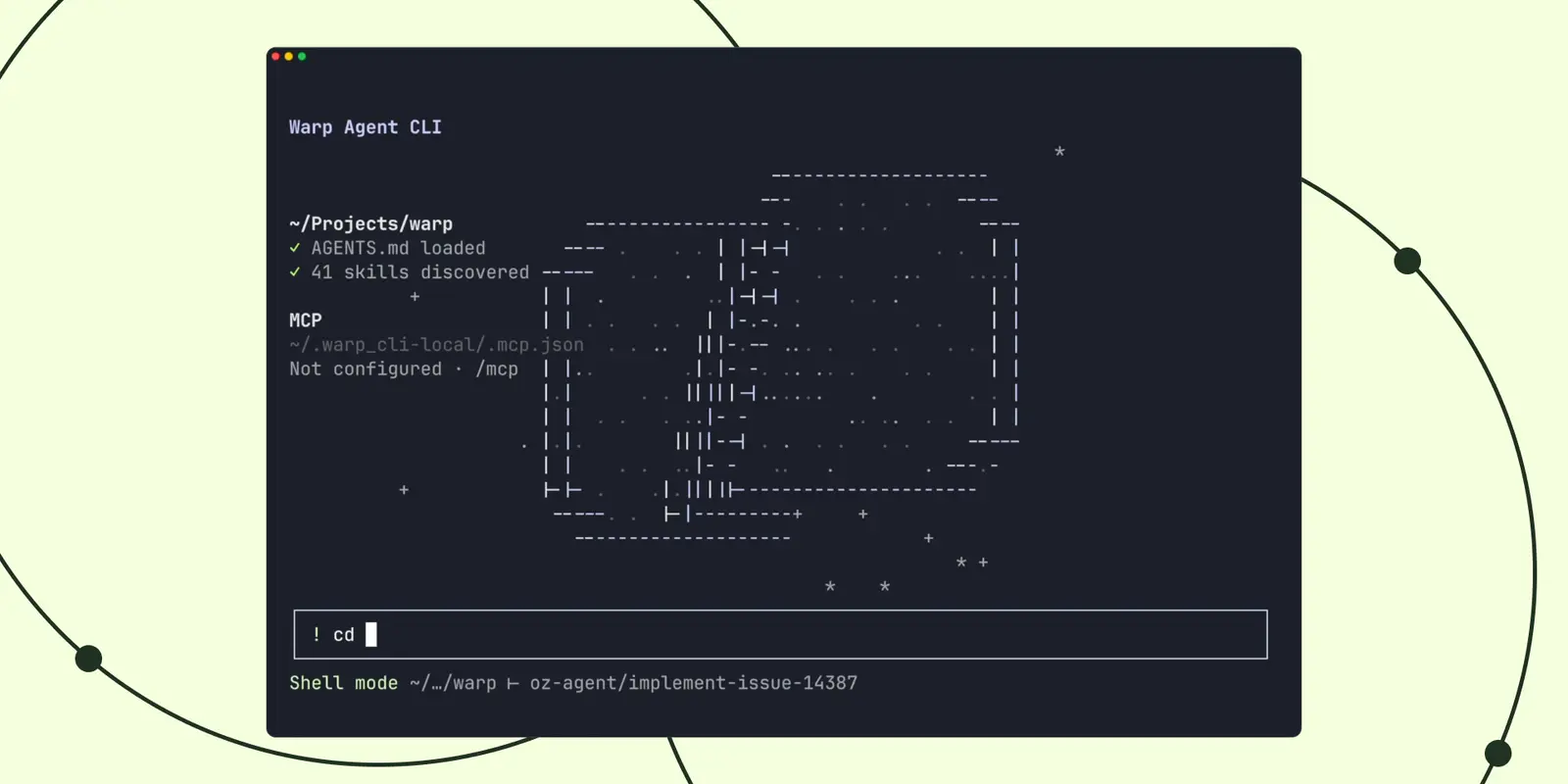
Today we are excited to launch the Warp Agent CLI, a new standalone CLI that lets you use the Warp Agent anywhere. It’s the same multi-model agent that’s built into Warp Terminal, now available in Ghostty, iTerm 2, VSCode, the built-in Windows terminal, or whatever terminal you prefer.
The Warp Agent CLI has everything you’d expect from a modern CLI coding agent: it’s a multi-model, cost-optimizing harness built for pro developers. Out of the box, you get access to frontier and open-weight models and auto-routing based on task complexity.
The CLI was truly built to fix gaps we were seeing with other agentic CLIs related to how well they integrate with the shell itself— especially important for developers doing real work in the terminal.
Technically, we accomplished this by building the CLI agent on top of Warp’s unique terminal infrastructure: think of our CLI agent as a built-in mux’er across agent sessions. This allows more natural interactions, like being able to switch directories in agent sessions, have the agent drive full-screen terminal commands (e.g. sqlite and mysql), and even run across ssh sessions with no remote binary install.
Let’s dive into the features that make the Warp Agent CLI extremely useful for folks who live in the terminal.
The Warp Agent CLI has a unique mux’ing architecture. Within an agent session, we are actually running and managing pty connections with a layer of indirection between the agent and the underlying shell, a similar architecture to how tmux works. The mux’ing is managed by Warp’s terminal infrastructure, so our agent is natively aware of terminal inputs and output (what we call “blocks” in Warp). This allows for a richer experience than any other CLI agent. Here are some of the features it unlocks.
The Warp Agent CLI lets you switch directories while in an agent session, and even run agents on remote machines without installing remote binaries. This is all because the agent session continues even when the base “state” of the session changes.
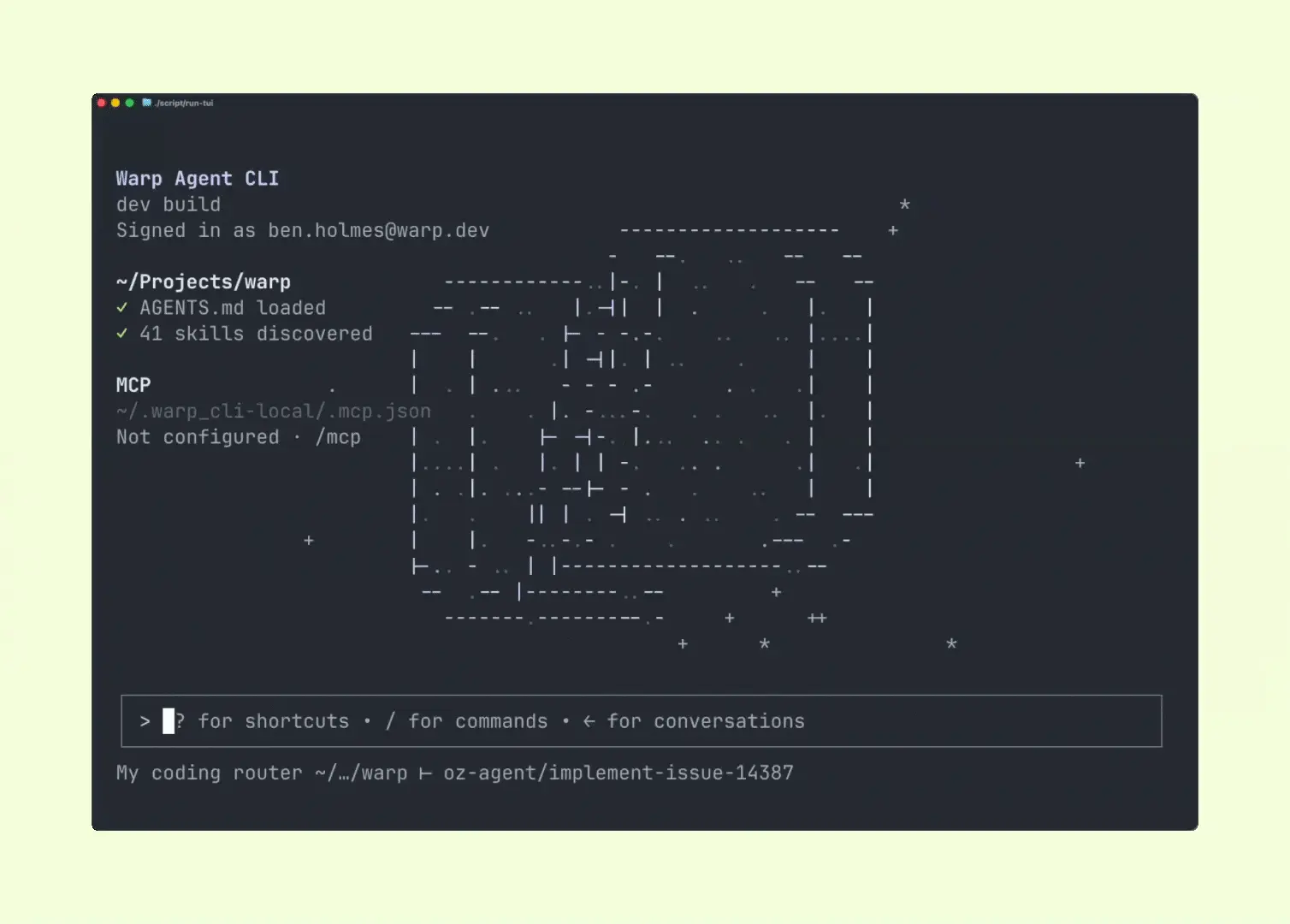
Persistent sessions are useful when you are working across multi-repo projects, or when you want agent assistance on cloud machines where you might have limited permissions to install software.
You can run full-screen and interactive terminal apps like sqlite and python through the agent session. Warp Agent can also control those apps. So within a REPL you can ask our agent to write queries or interactively debug code. Or you can ask the agent to quit vim…
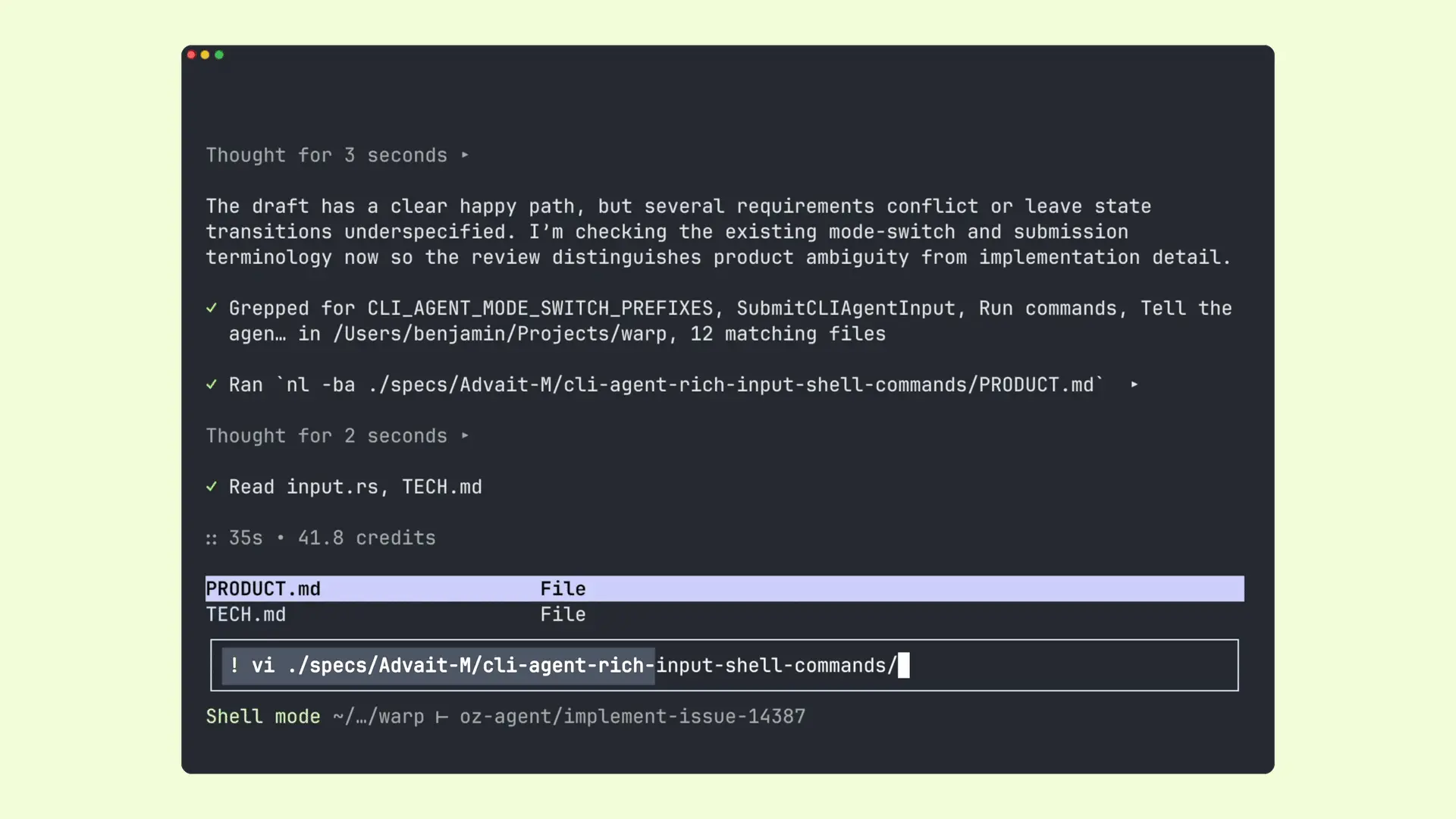
For example, you can ask the Warp Agent to:
As with other CLI agents, you can use `!` to run a shell command. But Warp CLI also supports natural language detection: we ship with a classifier that automatically distinguishes shell commands from prompts, and invokes either the shell or agent accordingly.
The Warp Agent CLI has one of Warp Terminal’s flagship features: tab completions. Start typing a command, hit tab, and see suggestions for arguments and flags.
The Warp Agent CLI is built for the age of autonomous development, not just manually prompting agents. As such, it has full support for running cloud agents and orchestrating multi-agent workflows.
Unique to Warp, when you couple the Warp Agent with our cloud platform, our harness can delegate not just across subagents with different models, but with entirely different harnesses like Claude Code and Codex.
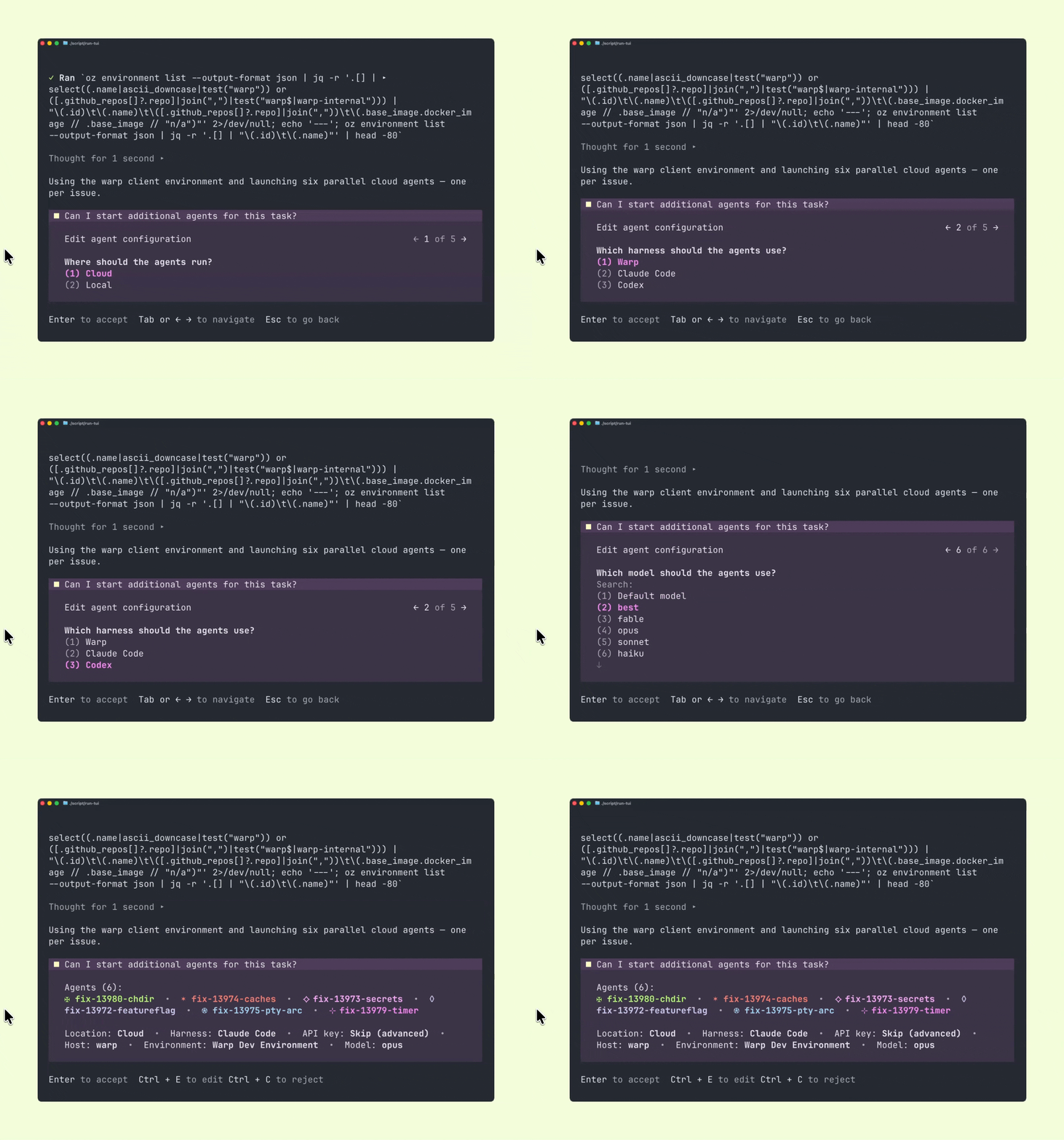
Warp’s agent is an orchestration agent. It delegates to subagents to break apart hard tasks, with a native interface that makes it easy to see what each orchestrated agent is doing. You can even use arrow keys to switch between subagent and orchestrator agent sessions.
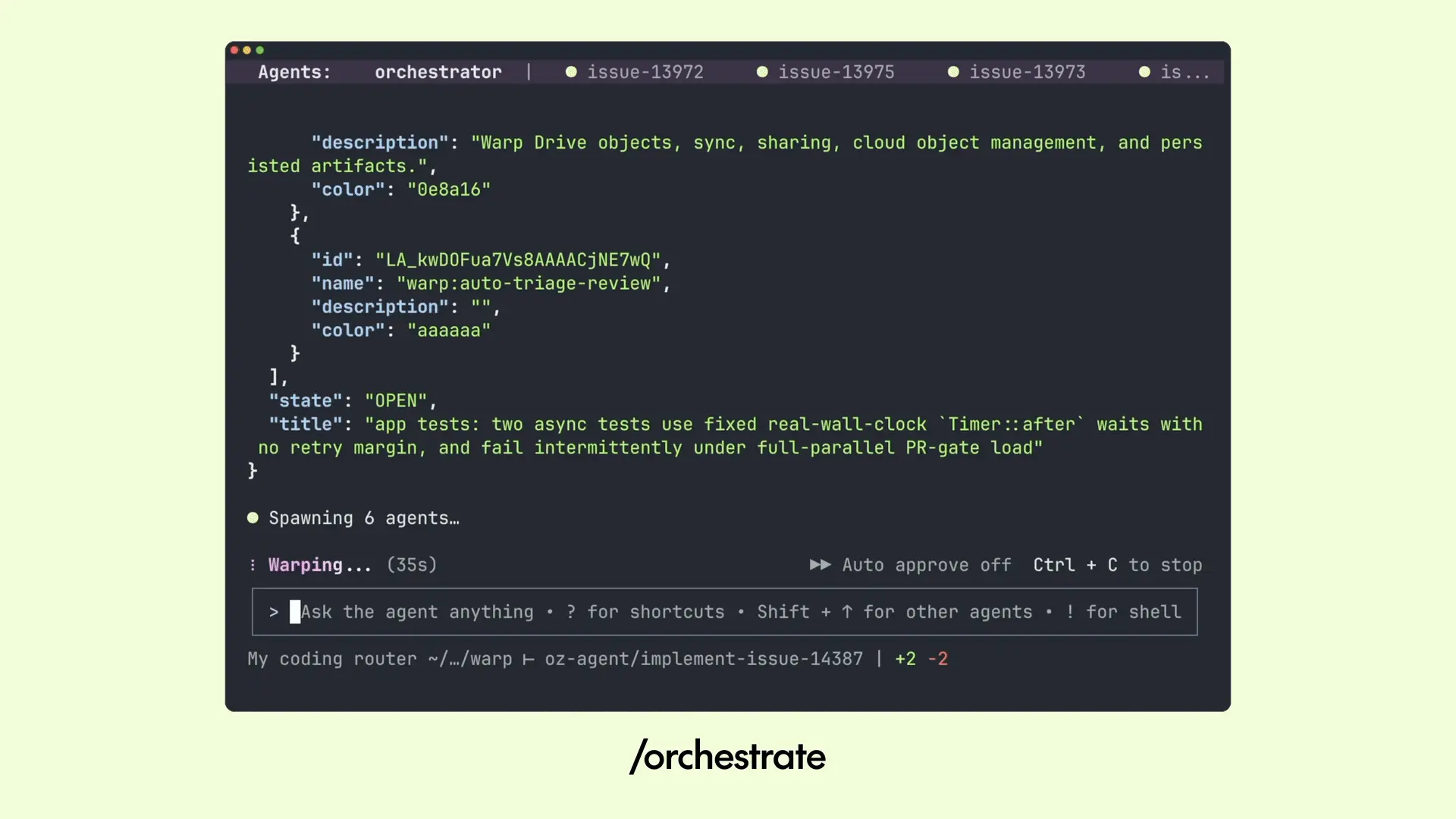
Start work in the CLI, then hand it off to the cloud when you want to close your laptop. All cloud agents are tracked centrally and can be monitored and steered via the web so you can continue work on the go.
Warp Agent is a pareto-efficient harness with auto-routing based on task complexity. Out of the box, it comes with access to frontier models and open-weight models.
We also have invested more to make open weight models great within our harness, with first class support for custom model routers where you define which models handle which tasks.
Once you’ve installed the CLI, you have three ways to get started:
Book a demo and we’ll walk you through the workflows that map to your stack.
Learn how to add computer and browser use to cloud software factory agents to reproduce issues and verify fixes and new features.
Even though we are living in 2026, it feels like folks have forgotten the lessons of 2006: software belongs in the cloud, not on individuals’ desktops.
Today we’re releasing one of the most requested updates from the Warp community: more control over inference.
Get early access to unreleased and experimental features with Warp Preview:/download-preview

 Scan to open this article