Access Runway’s models directly inside Premiere Pro and After Effects to generate, edit and upscale without leaving your timeline.

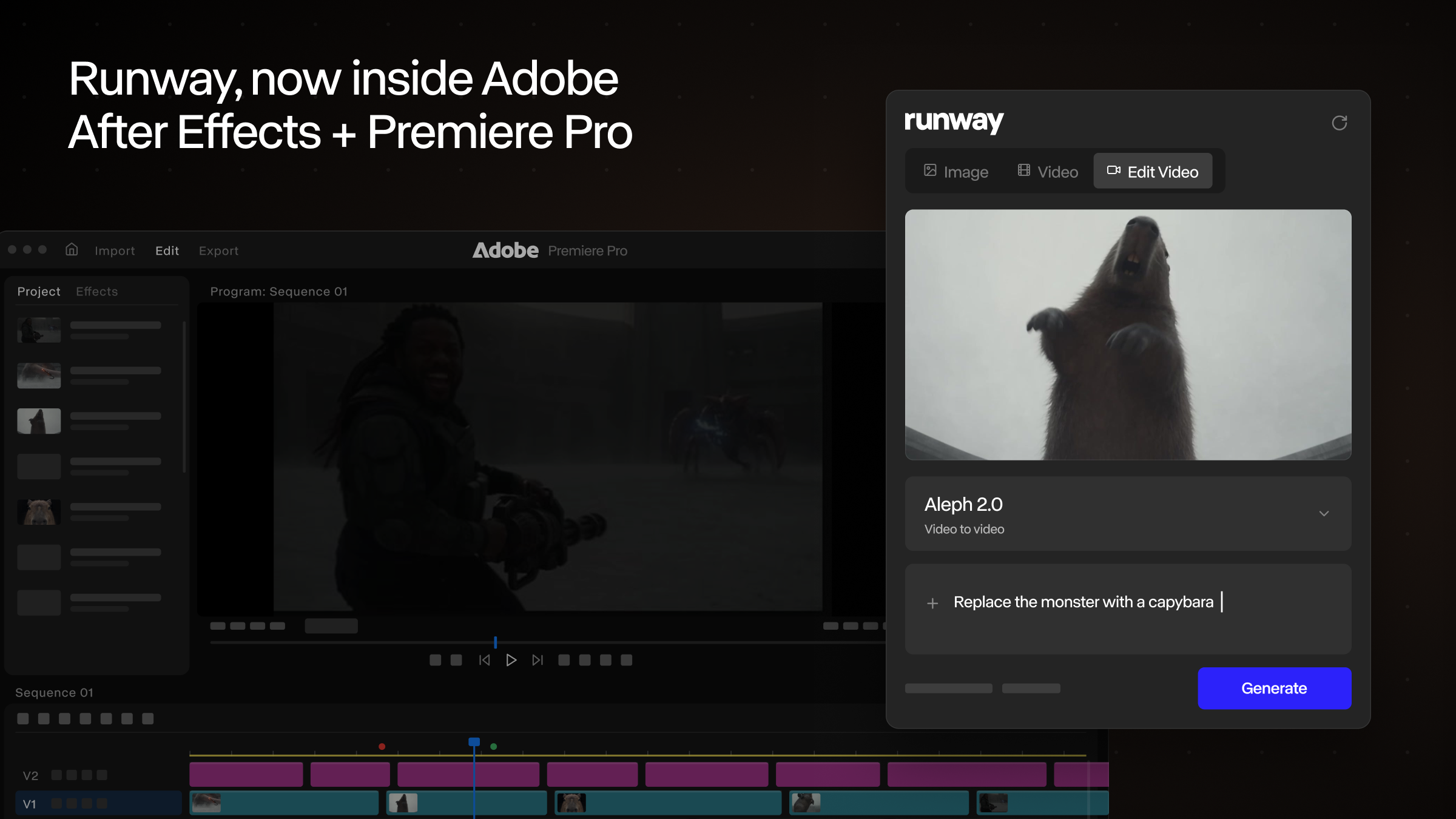
Today we're introducing Runway Plugins. With our new Adobe plugin, a Runway panel runs inside the iconic Premiere Pro and After Effects apps. Generate images and video, restyle the footage on your timeline and place every result directly into your comp or sequence.
Until now, using Runway mid-edit meant leaving it: export a frame, upload it to a browser tab, download the result, re-import it and find your place again. Our panel eliminates that loop altogether. Prompt from inside After Effects or Premiere, watch the generation resolve in the feed and click to place it. In Premiere, results land at your playhead, ready to trim.
Edit Studio works on the clip you already have: select it in your comp or sequence, restyle its anchor frames, and Aleph 2:https://runway.com/product/aleph-2 re-renders the full clip to match at the same duration as your source. Compare before and after in the panel, then drop it back into the edit.
Sign in from the panel and generations use your existing plan and credits, with a workspace switcher for people who work across teams. HDR conversion, background removal and upscaling are one click away on any selected clip or feed asset.
Runway Plugins are free to download for macOS and Windows from our plugin page:https://runway.com/plugins. Generating from the plugin is available on all paid plans and uses your existing plan credits.
Get started with the new Runway Plugins:https://runway.com/plugins.



 Scan to open this article